Step-by-Step Guide to Install gcloud Command-Line Tool

I am a Senior Software Engineer at Cross Country Healthcare. I have 8+ year experience in Infrastructure and CloudOps and three AWS certifications: Cloud Practitioner, Solutions Architect - Associate, and SysOps Administrator - Associate. I started my career as a Service Desk Engineer, where I built a strong foundation in IT support and customer service. I then transitioned to on-premise infrastructure, where I gained valuable experience in diverse technologies and platforms. Inspired by the rapid growth of cloud computing, I specialized in AWS CloudOps.
Guide to Install gcloud Command-Line Tool & Create/Terminate VM
Installation of gcloud Command-Line Tool
Let me guide how can we install gcloud Command-Line Tool on Windows.
Download GCP CLI or SDK using URL: https://cloud.google.com/sdk/docs/install
Double click to install SDK
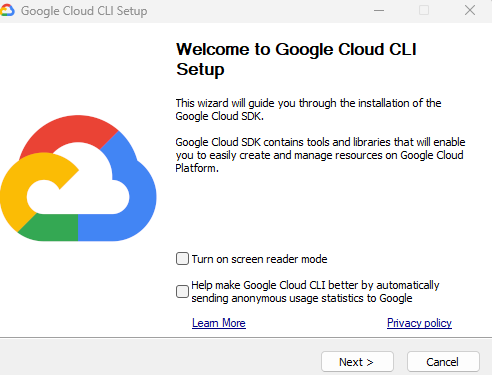
Click on Agree
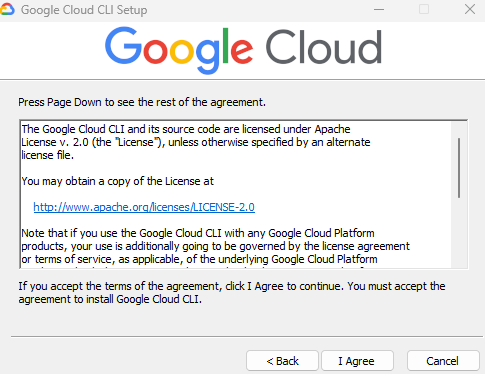
and click on next and Install
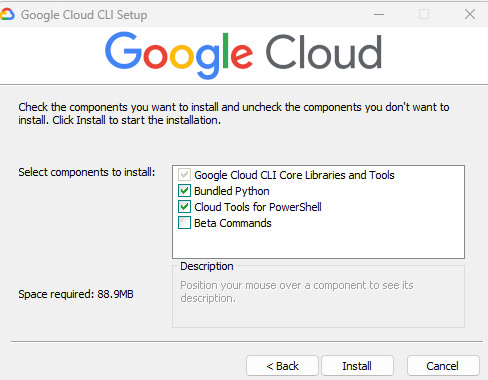
Installation will start
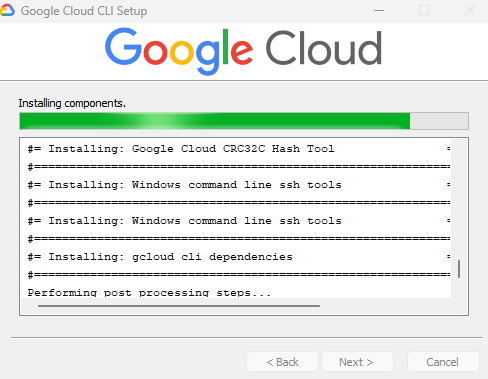
Finish the installer
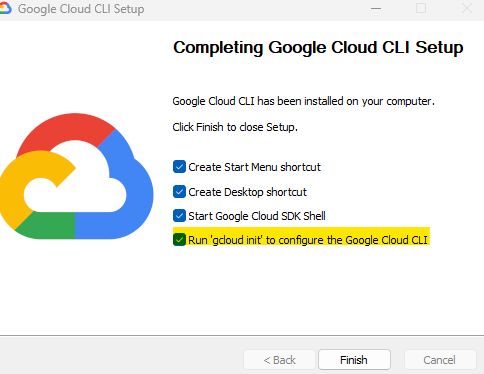
Configure the CLI with your current GCP account
Once you finish the CLI installation, one terminal window will pop-up
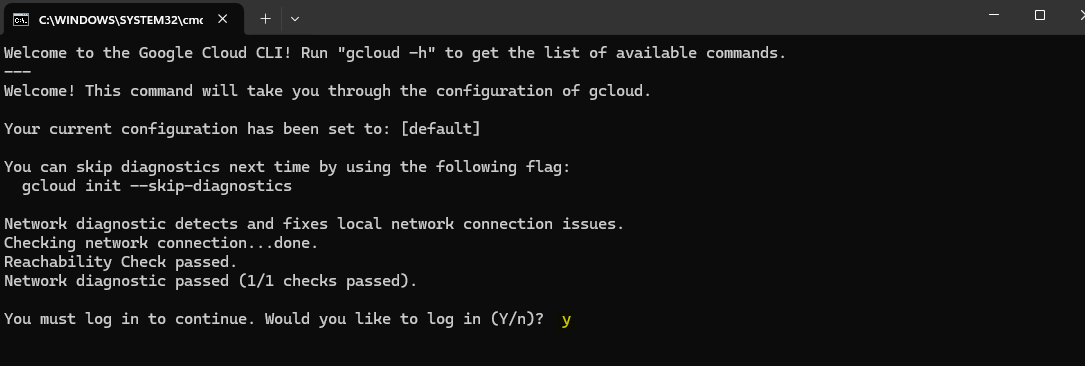
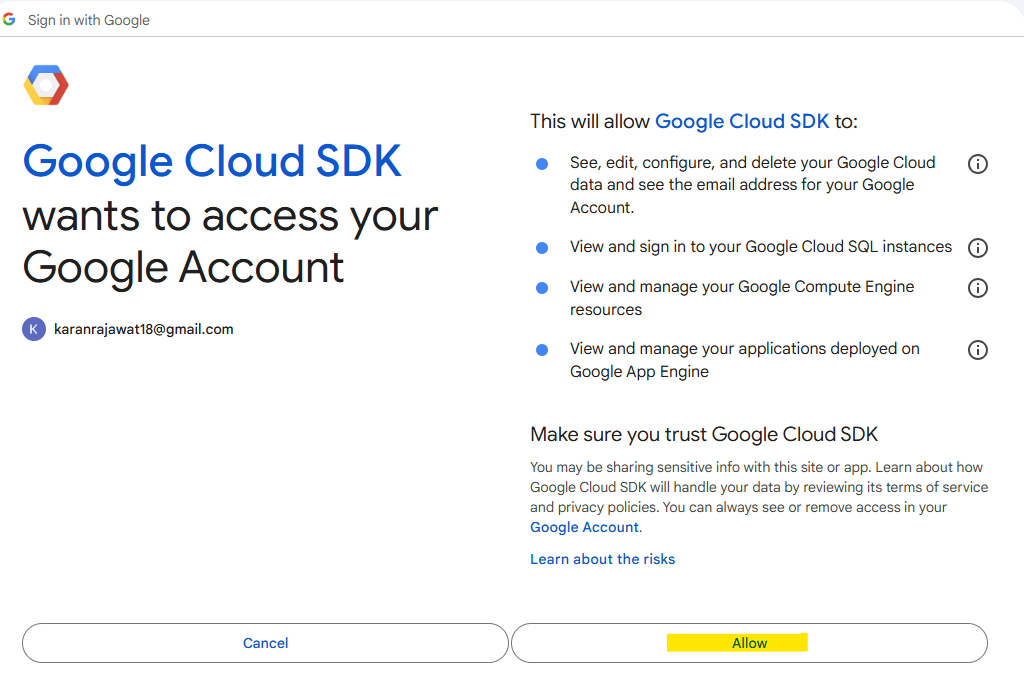
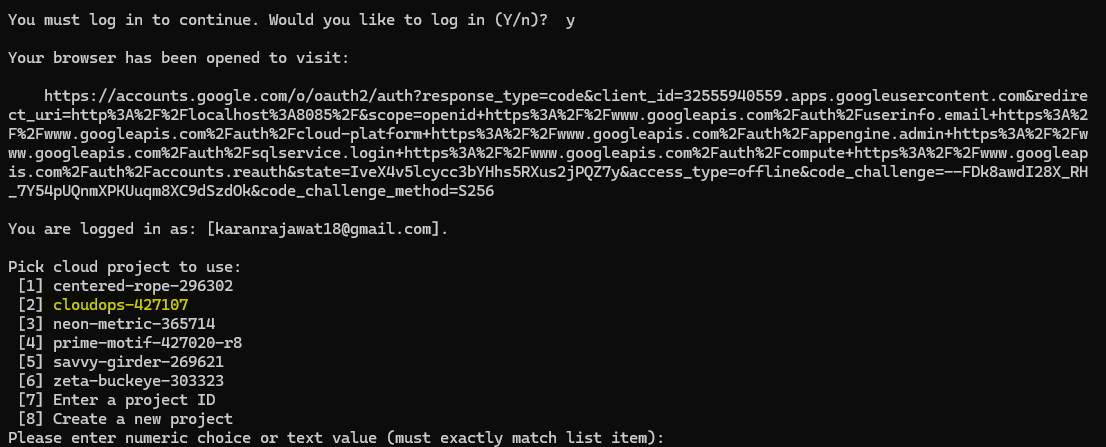
Once you write "Y" for continue to log in, you will be redirected to your browser for authentication.
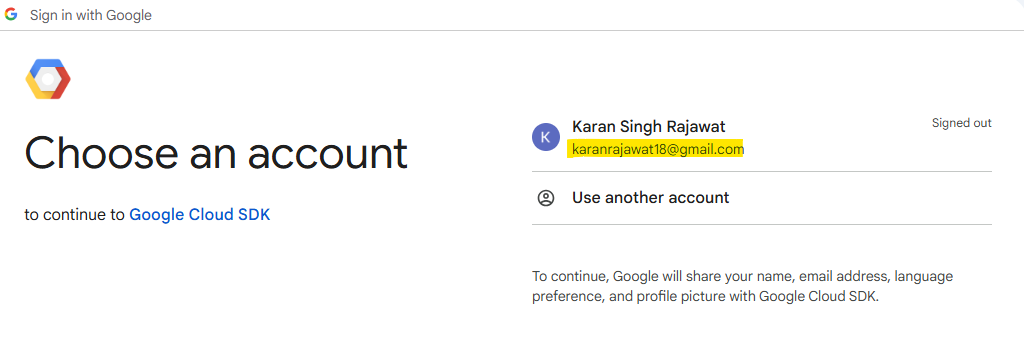
Choose your Google email id which is associate your GCP account.
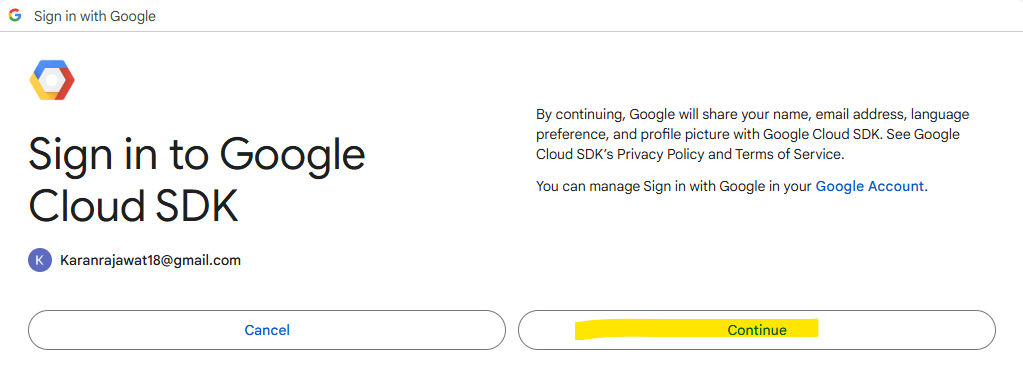
Click on continue
Click on Allow
Now, your GCP authentication will be completed and you will be redirected to the terminal. It will show your all projects which are associated with your GCP account.
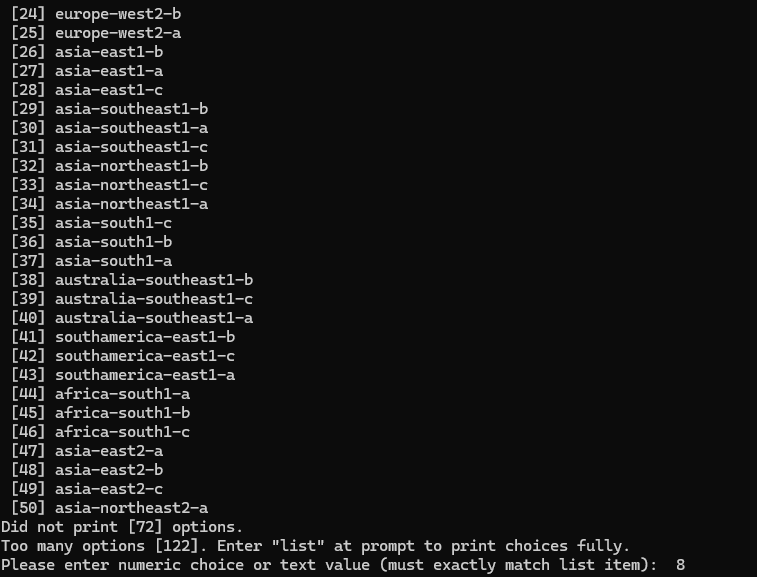
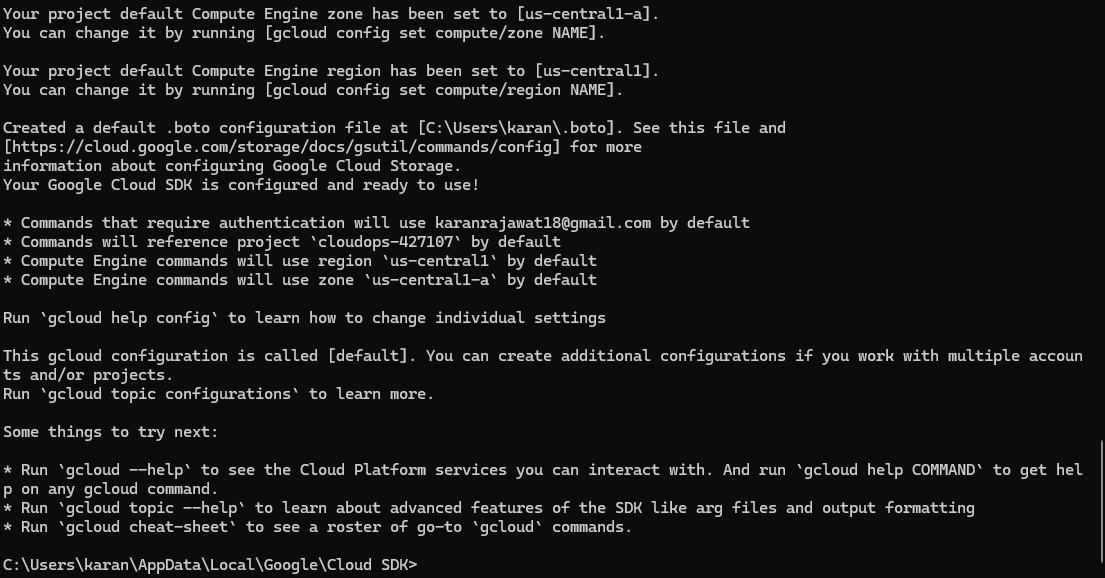
Select default region and zone, write "y"

Still, it will ask with you to put the region. So, put the correct number of your region. In my case put 8 for us-central1-a region.
Now, your CLI is configured and ready to use
To check the CLI version, hit the command: gcloud version

Create and Terminate the VM using gloud CLI
To create the VM using CLI, follow the command:
gcloud compute instances create karan-gcp-labs --zone us-central1-a --machine-type e2-micro --boot-disk-size 10
You can verify on console as:

To terminate the instance using CLI:
gcloud compute instances delete karan-gcp-labs


